3 Messages

 • 

90 Points

Wednesday, October 28th, 2026

Images and documents failing to load or upload

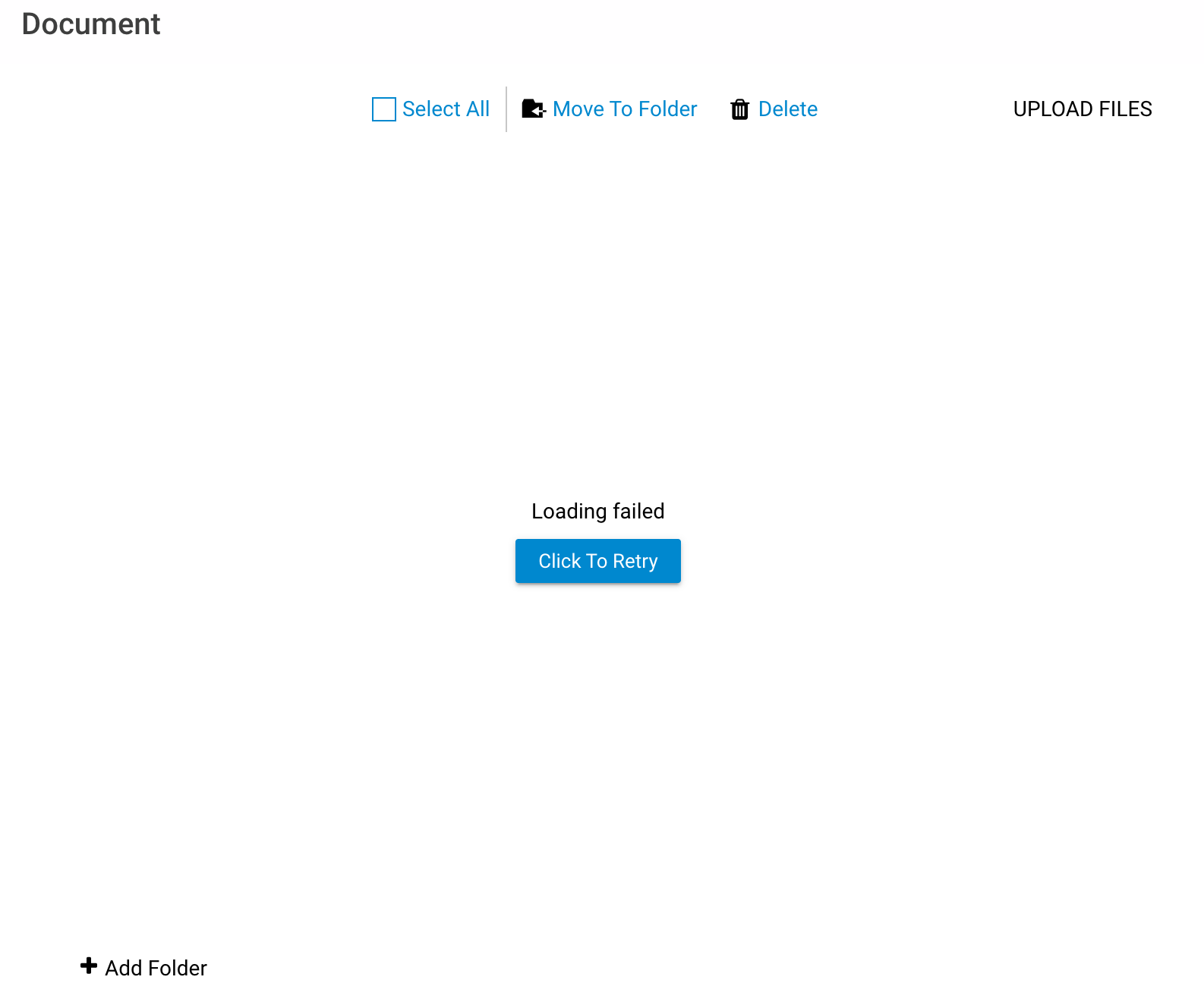
I am trying to edit a webpage I manage, https://clanmacfieofamerica.com/, but have found that none of the uploaded resources (images and documents) on the page are accessible, and I cannot upload new ones. Any time I access the Images or Documents pages, they instantly display a "Loading failed" message with a 'retry' button, which fails instantly. The issue has persisted for about a week and a half, across multiple sign-ins in different locations and internet connections. Any ideas for a resolution?
Oldest First
Selected Oldest First

3K Messages

 • 

30.9K Points

21 hours ago

https://clanmacfieofamerica.com/ is working, however it's no loading directly without a 404 error. You should produce a new link to your homepage.

3 Messages

 • 

90 Points

@russell5607​ I'm not sure what you mean by 'produce a new link,' as accessing the live website hasn't seemed to be an issue. We've tested it from a few devices already. The issue is in the website editor, where I cannot view, upload, delete, or modify any existing documents or images. In fact, the only way I can currently access the uploaded documents on our website is by leaving the editor and accessing the live version (via the above link), where the hyperlinked documents seem to work. If I try to view the same documents in the editor, the page won't load.

3K Messages

 • 

30.9K Points

@jacob3199​ ADDING A NEW HOME PAGE:
To install the new page as your home page, select the page > Page Settings > Page Name > enter "index.html" > save. Remove the page name from your previous page.
Next, you can add the new home page to your site navigation menu by selecting the menu > Use the Site Navigation Menu Settings > Links > + to add the page > follow the instructions in the command box to locate your new home page > select the page from your files > OK. Now, you can scroll to the bottom and edit the page title. Since you have only one page, it should now be the only page on the menu and it should appear with the page title you've chosen and it will respond as the home page.
For Sitebuilder Plus sites you can use the save as option and rename the desired home page "index.html". https://community.homestead.com/homestead/topics/sitebuilder-plus-rename-pages
For websitebuilder, you can use these instructions. https://community.homestead.com/homestead/topics/websitebuilder-change-home-page

308 Messages

 • 

3.2K Points

10 hours ago

Hello,


Have  you try  to clear the cache  of your browser.

3 Messages

 • 

90 Points

@reyven4754​ I tried that just now, and I'm not sure whether that was the issue or something on the back end was corrected, but documents seem to be loading now. I'll post again if anything is still struggling.

Thanks for your help (to both of you!)